
FocusBurrow
A little shelter for your attention.
Choose a short stretch of time, then put your device down. When you return, you can leave a thought in your journal or simply move on. There are no streaks or scores to keep up with.
- Status
- Available on the App Store · Version 1.0
- Availability
- iPhone and iPad · Free · No in-app purchases
- Privacy
- Local journal · No account or developer-operated sync
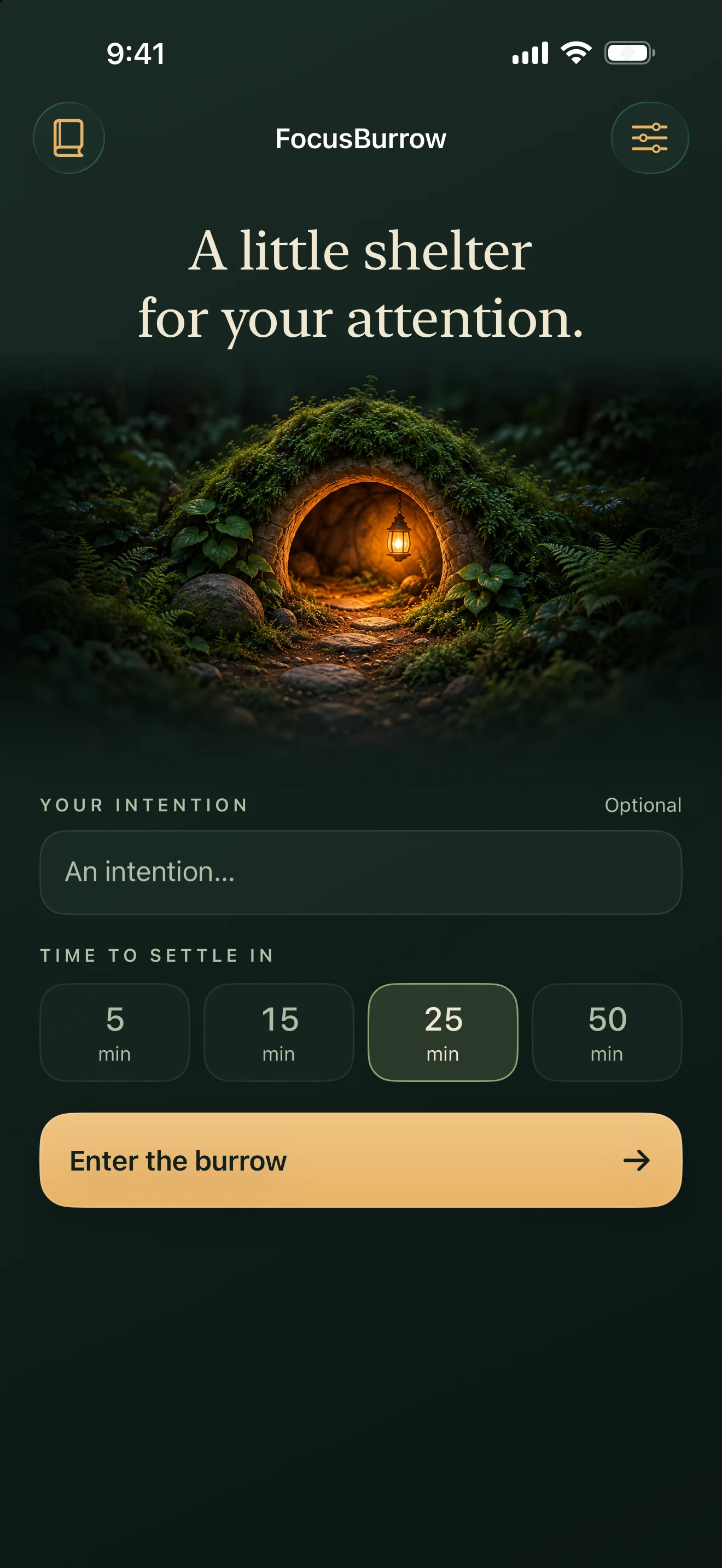
The released app, in use.
iPhone screens from the FocusBurrow 1.0 App Store capture set, with sample session content.
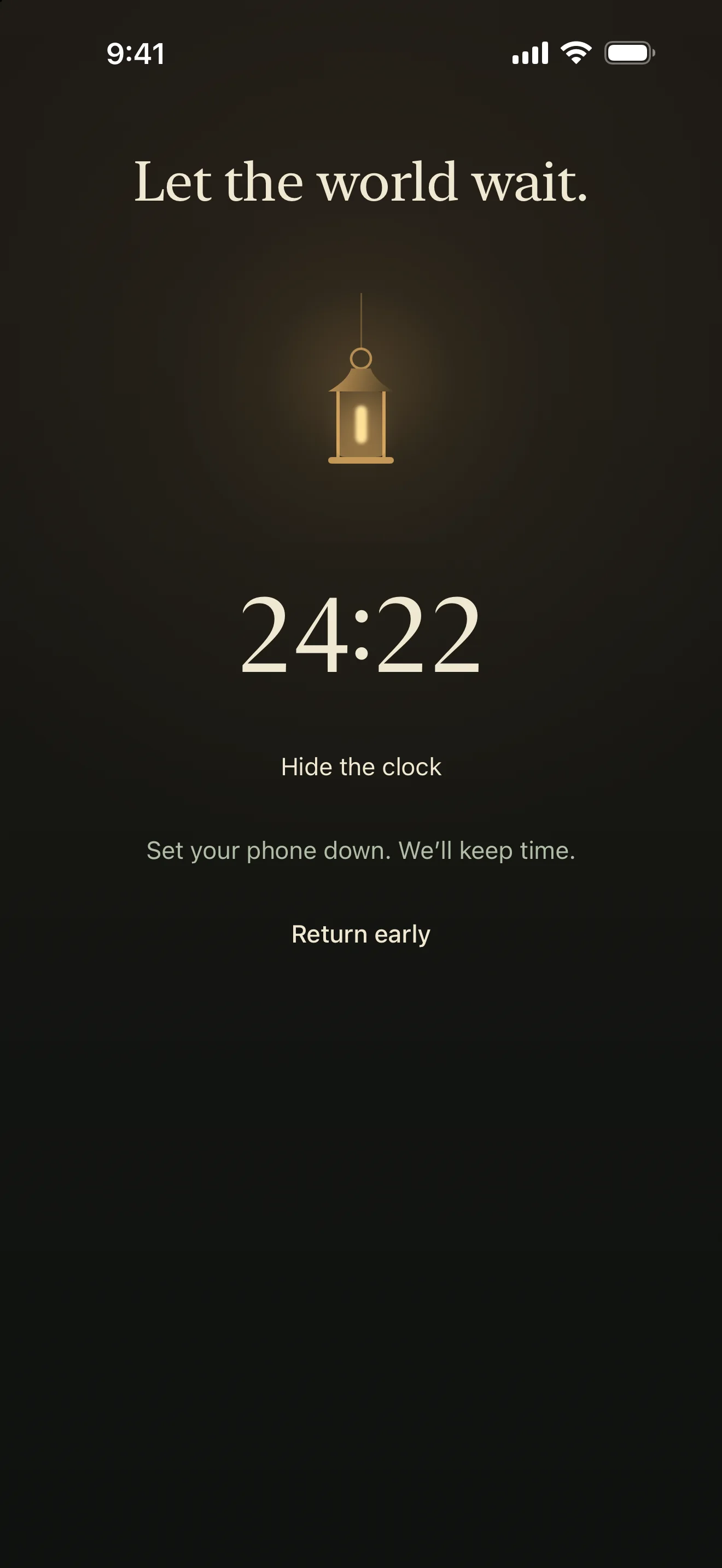
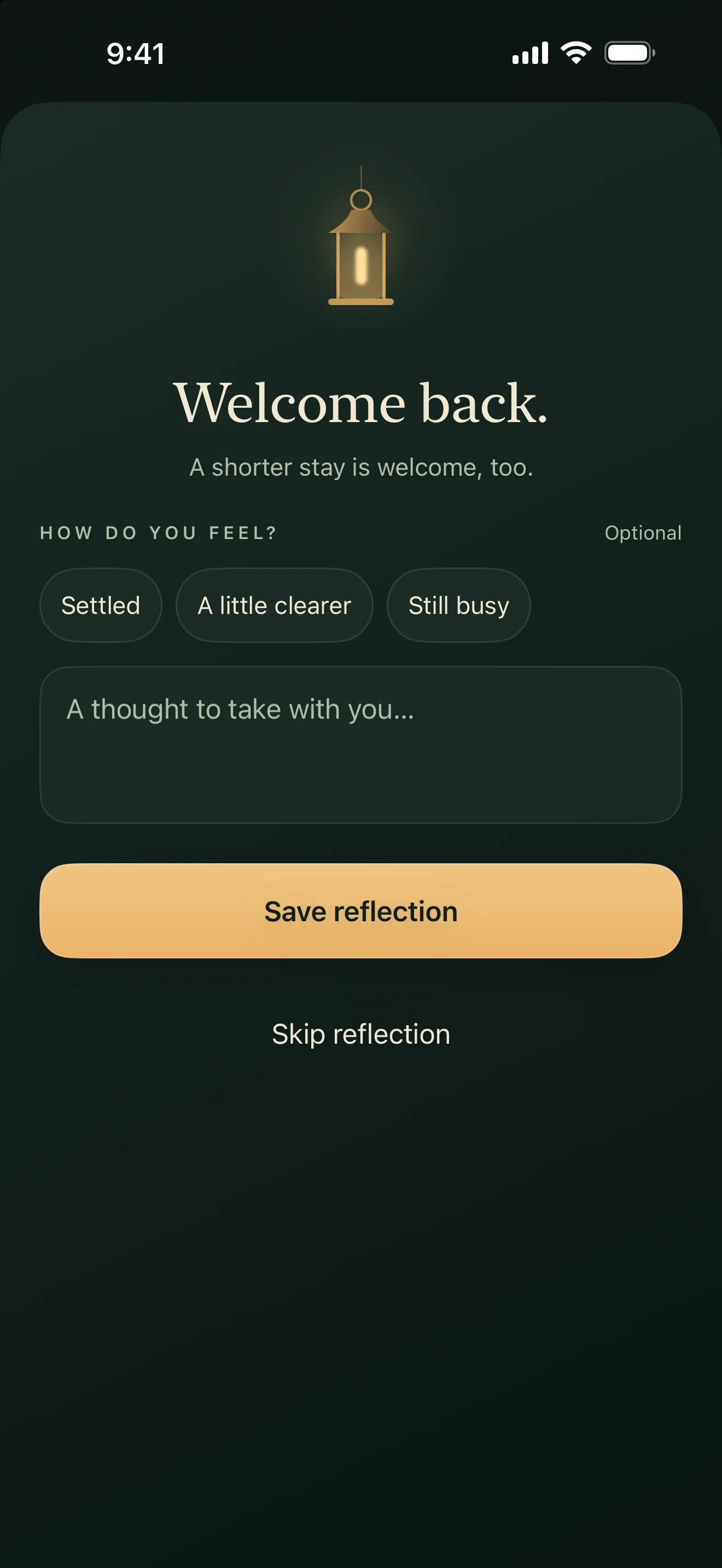
A simple session, on your terms.
FocusBurrow is a timer and a place to reflect, without turning time spent into a score.
- Choose a 5, 15, 25, or 50 minute session.
- Add an intention, hide the clock, or return early when you need to.
- Keep time when you lock your device or leave the app.
- Leave an optional feeling or short reflection when you return.
- Revisit past sessions in a private, local journal.
- Turn on a completion notification or Lock Screen timer if you want one.
A useful boundary
FocusBurrow does not block other apps. It can show an optional Lock Screen Live Activity on supported devices, but the session still works without it or a notification.
Intentions and reflections stay in local app storage. Version 1.0 does not include individual journal entry deletion or export, so read the support and privacy pages before removing the app if you want to keep your journal.