01
Suggest
Smart Scan can point to text that may deserve attention, while keeping uncertainty visible.

Image redaction built around checking the copy, not trusting that a black rectangle was enough.
Redact combines manual editing, Smart Scan suggestions, and exact selected-region output verification in a conservative workflow for preparing images to share.
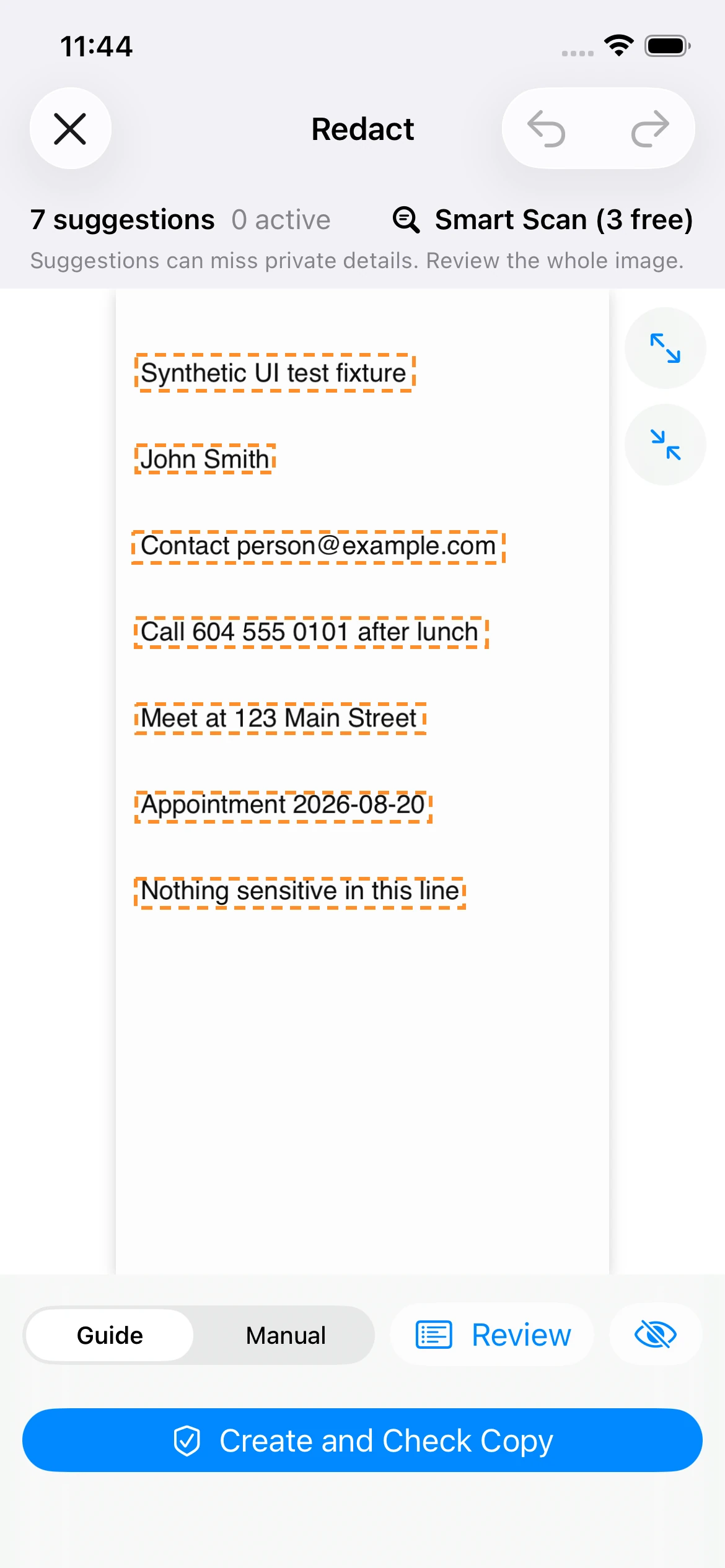
Assistance can speed up review. It cannot take responsibility for the whole image or promise anonymity.
01
Smart Scan can point to text that may deserve attention, while keeping uncertainty visible.
02
The person still reviews the whole image and decides which regions should be covered.
03
The workflow preserves the source and produces a separate encoded output for sharing.
04
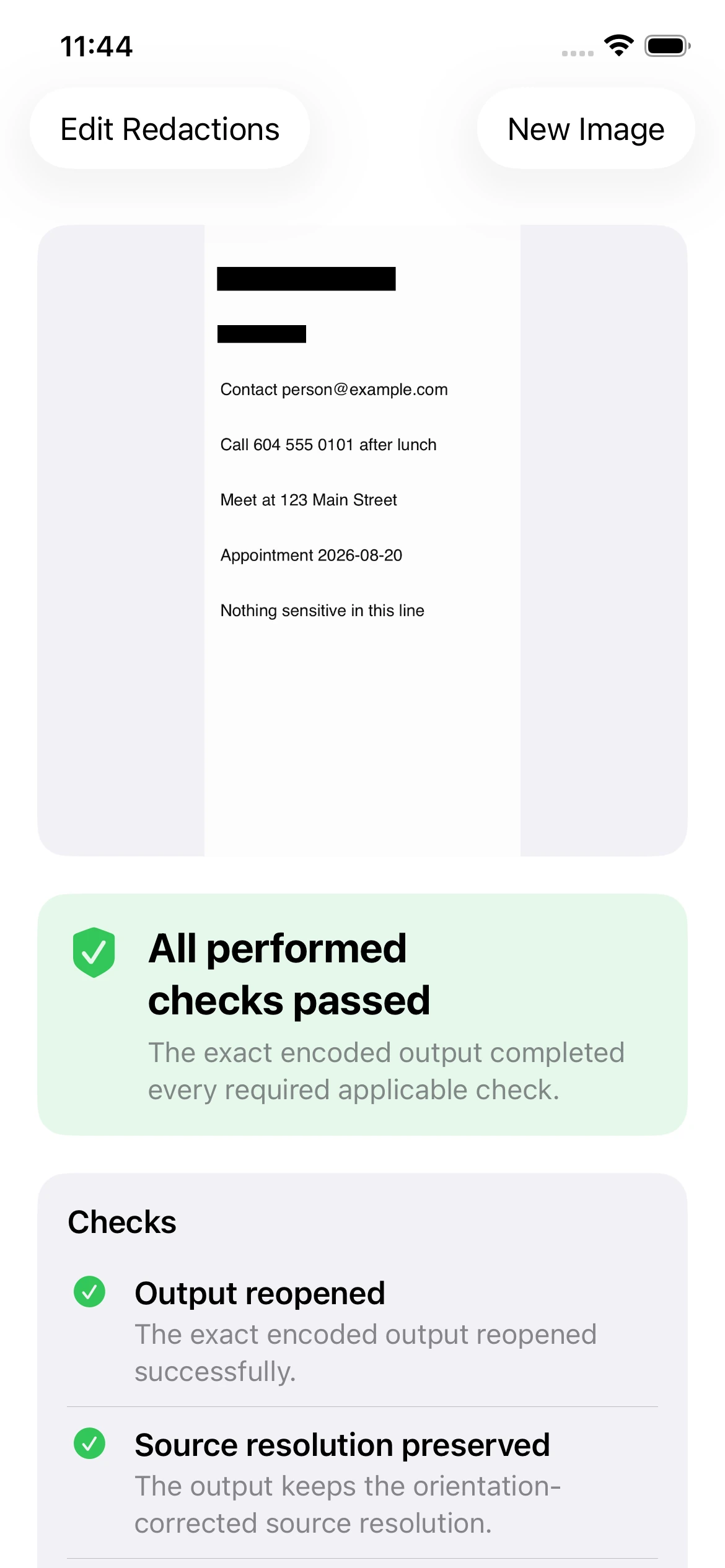
Verification reopens the exact encoded copy and reports only the checks that were actually performed.
Why exact output matters
A redaction can look correct in an editor while the exported file still fails in a different way. Redact reopens the exact encoded output, verifies the selected regions it can check, and preserves the original rather than overwriting it.
If a scan is incomplete, Redact keeps that uncertainty visible rather than presenting the result as a complete privacy check.